
A little peace.
Piece by piece.
Turn your favorite photos
into jigsaw puzzles.
A familiar face. A place you love. A picture worth spending a little more time with. Make it your next puzzle on iPhone and iPad.

Your photos. Your pace.
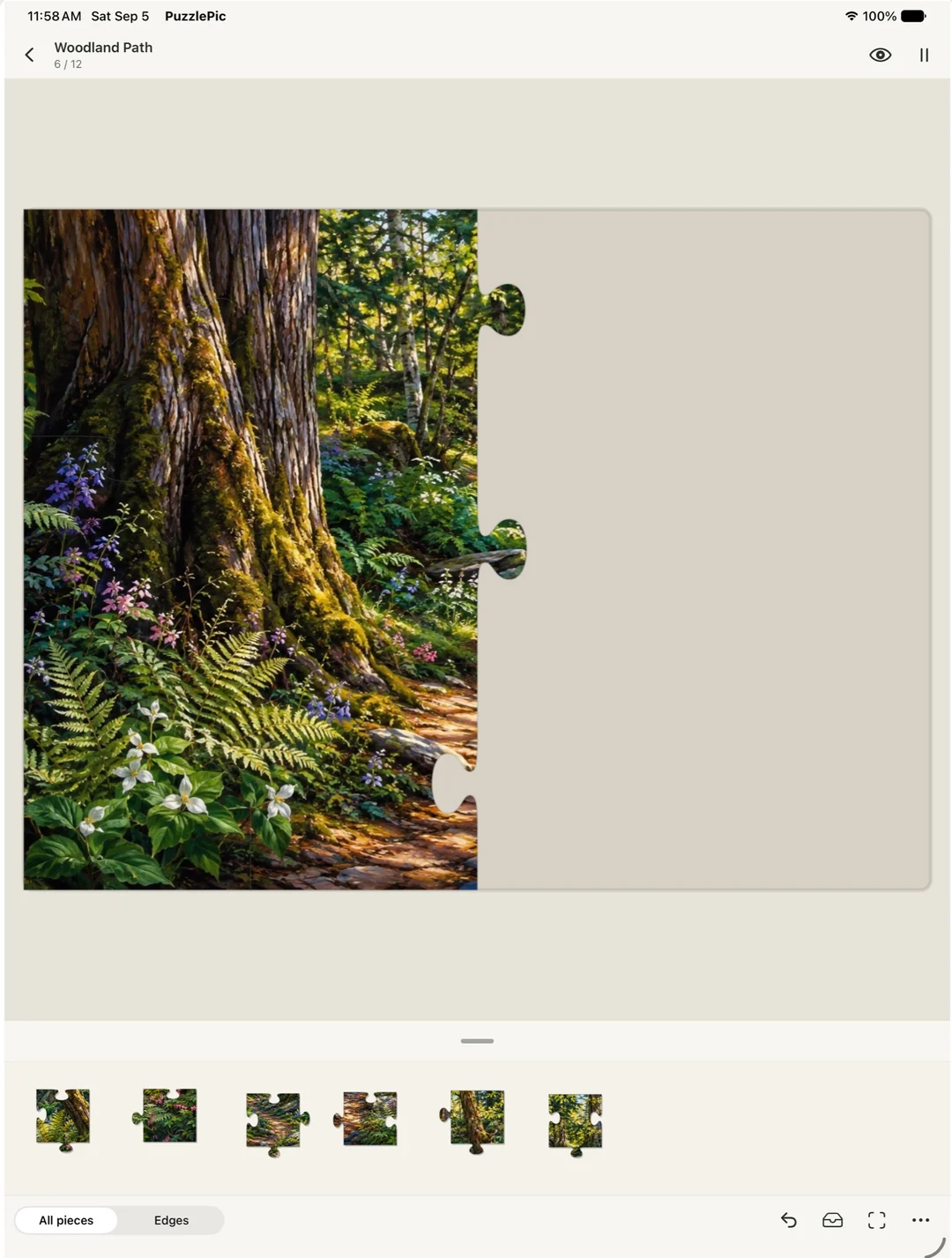
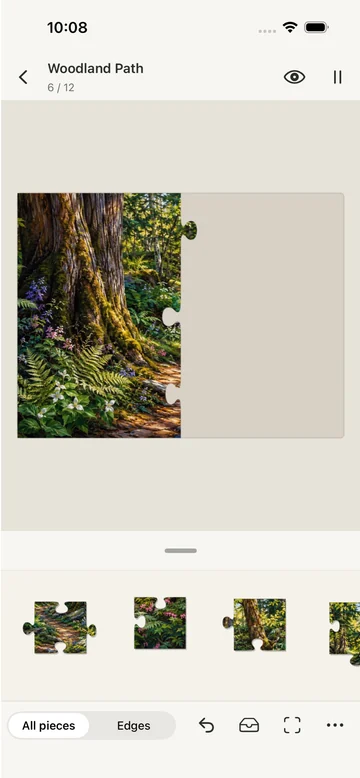
A quiet table. A satisfying fit.
Made for iPhone & iPadMake it personal
Your memories.
Your next puzzle.
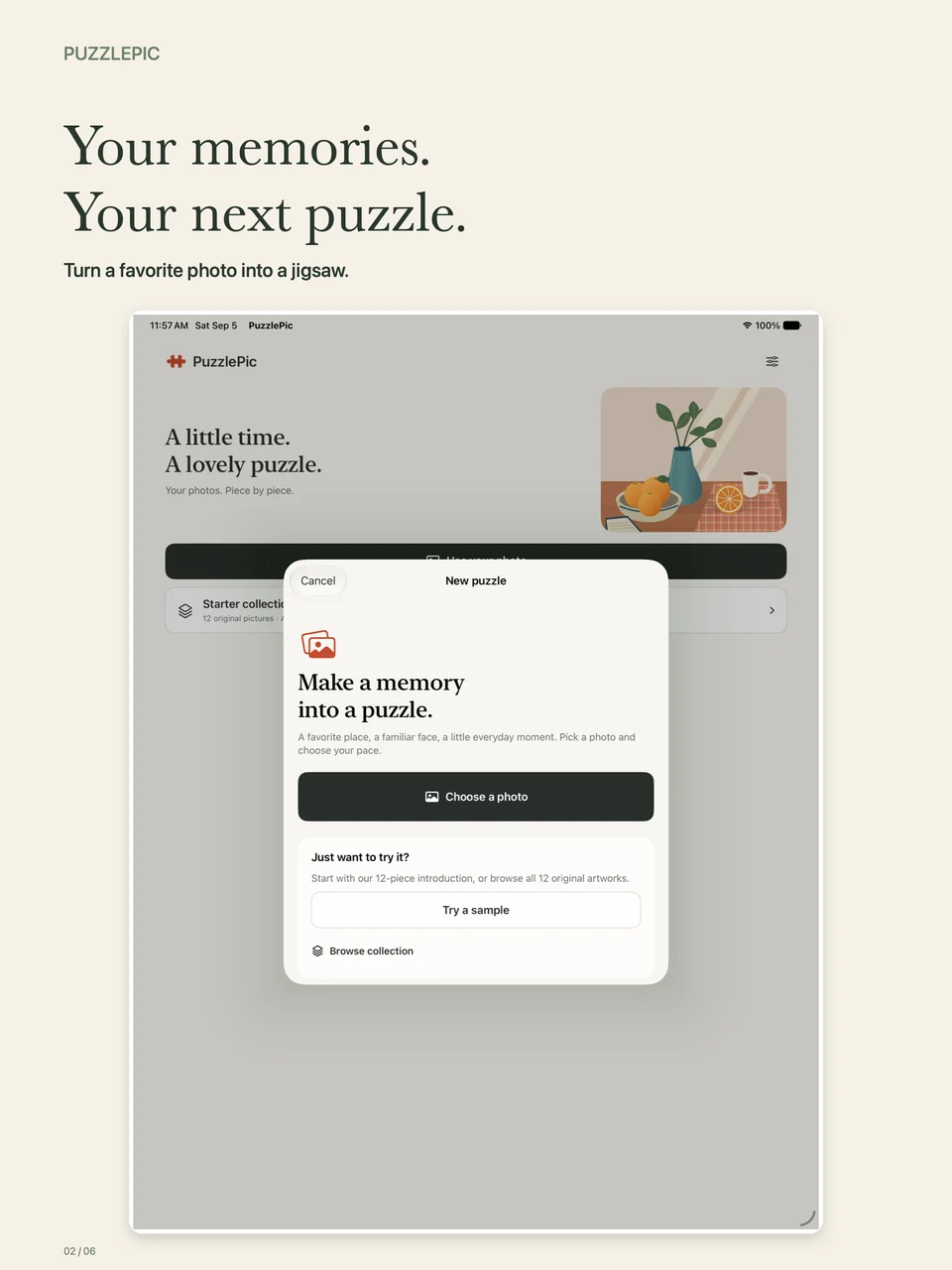
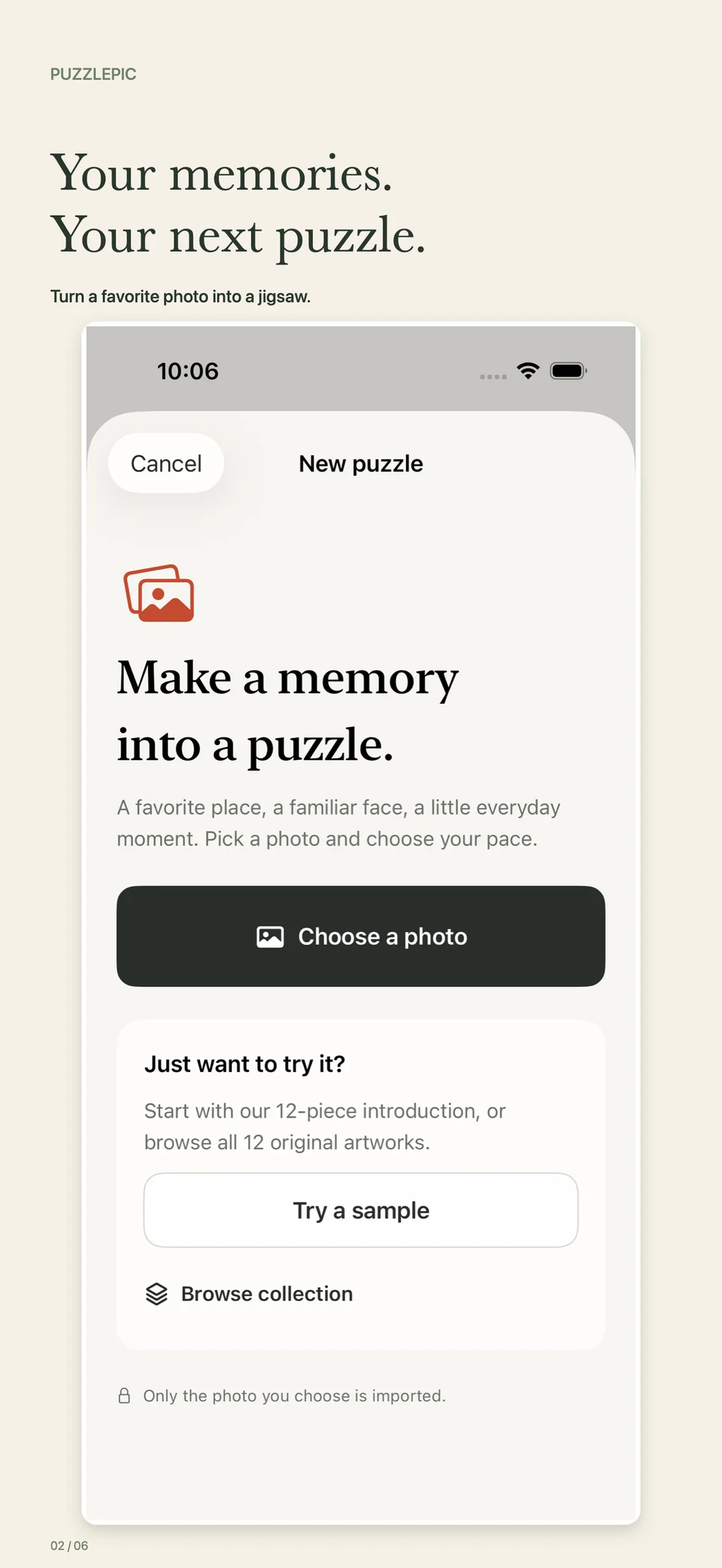
Some photos deserve more than another scroll past. Choose a favorite from your library—or take a new one—and bring it back together, piece by piece.
New games can have fresh, randomized cuts. Even a familiar picture gives you something new to find.
Turn a photo into a puzzleOr start with a little inspiration.
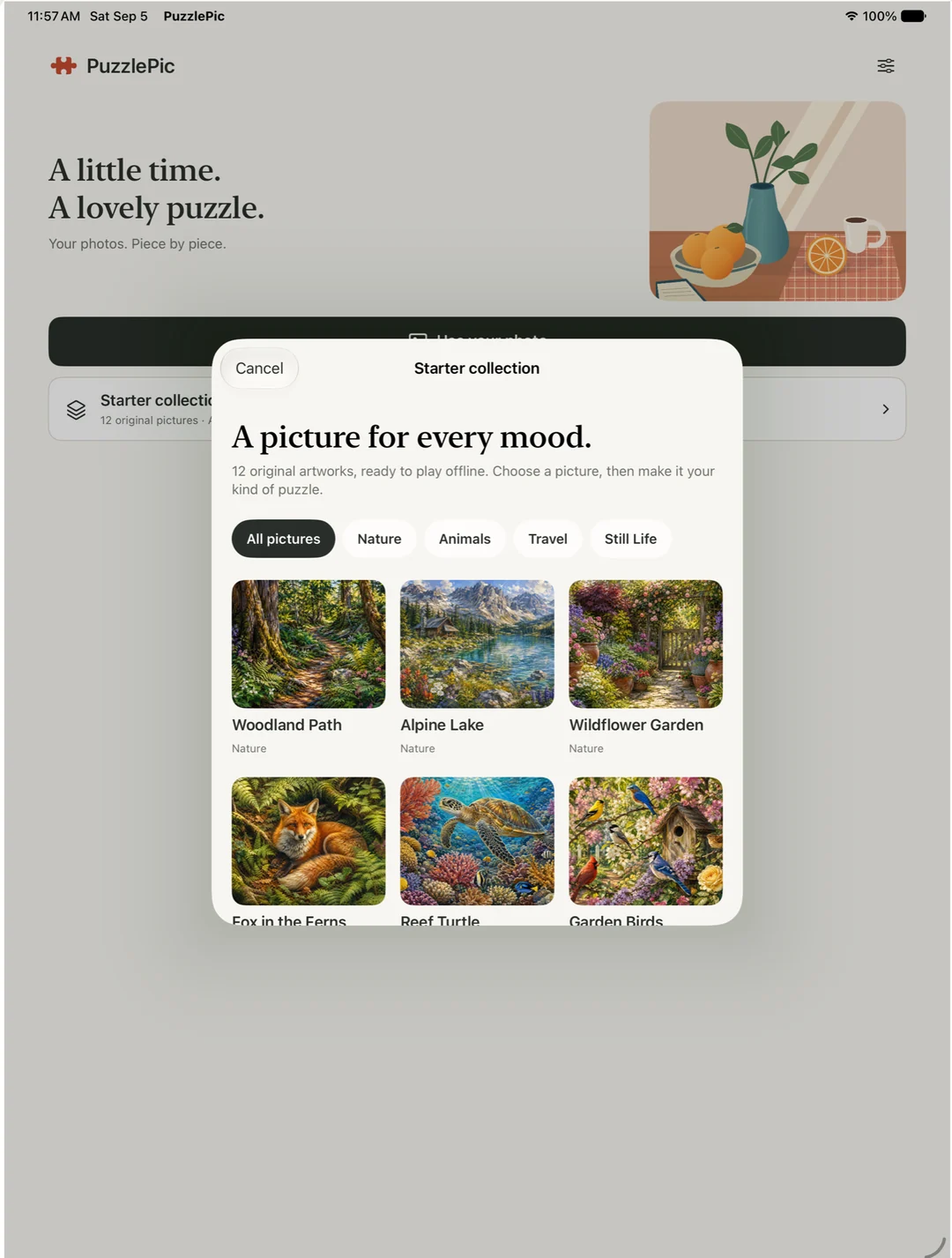
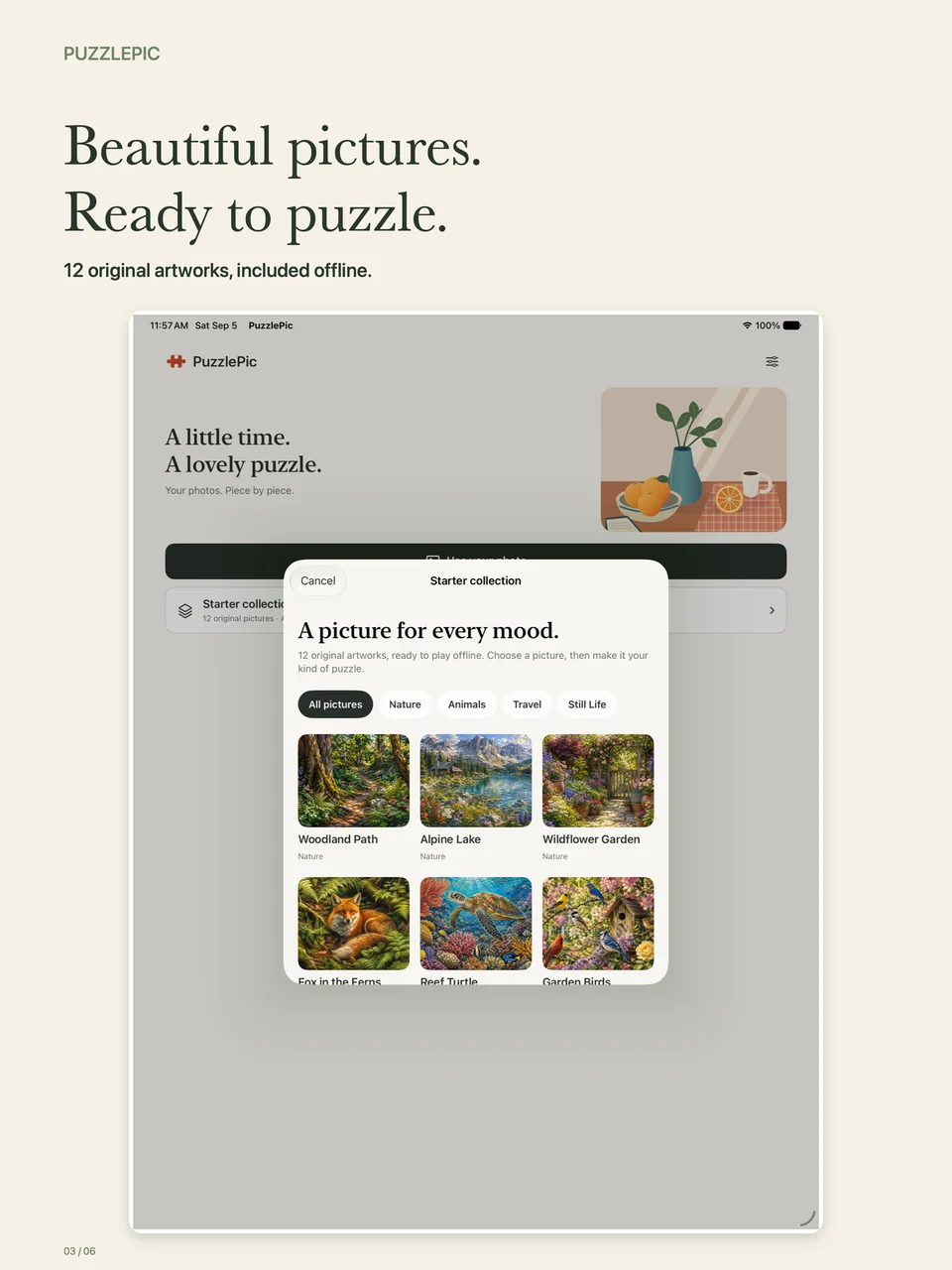
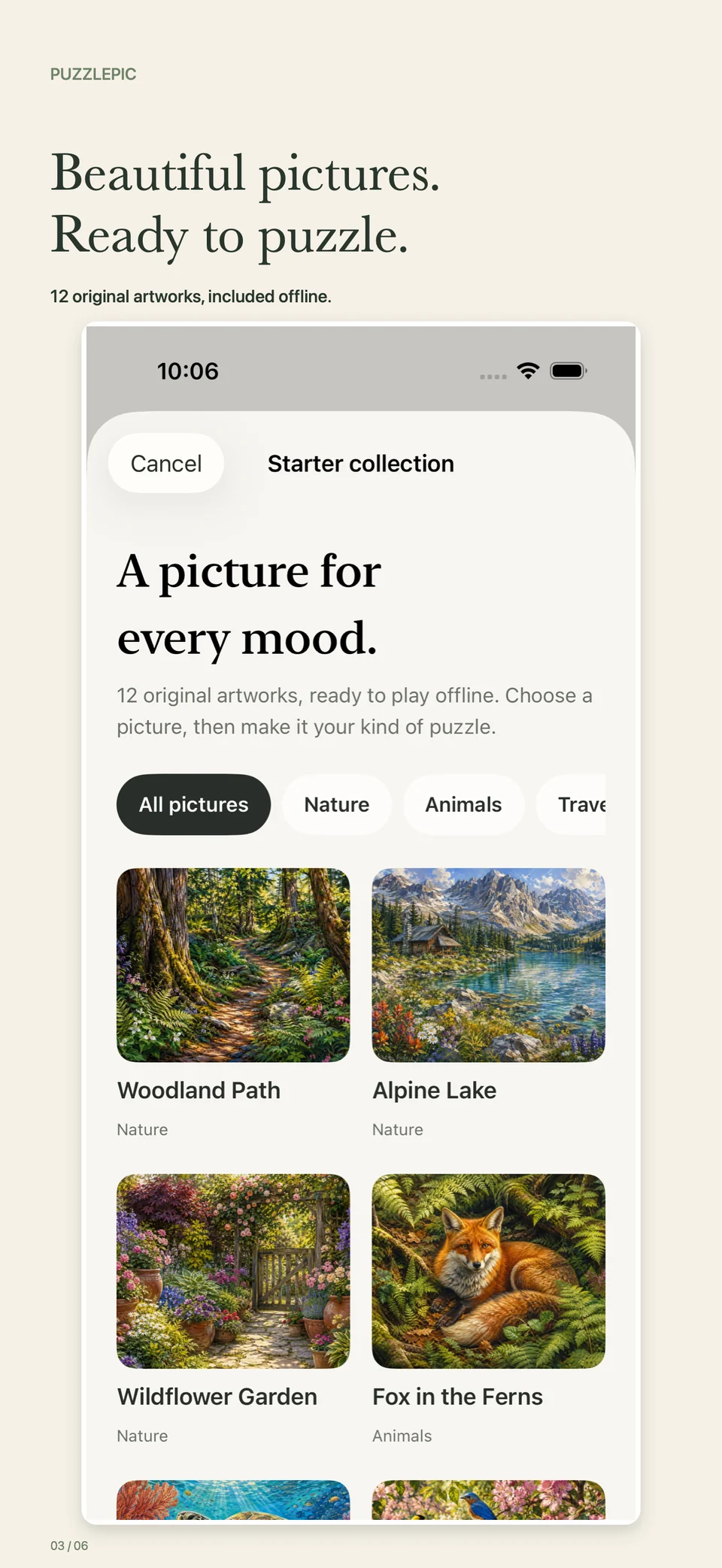
12 original artworks are included offline. Wander through nature, meet a few animals, or choose a travel scene or still life.
Made to feel like a real puzzle
Search. Recognize.
Fit. Snap.
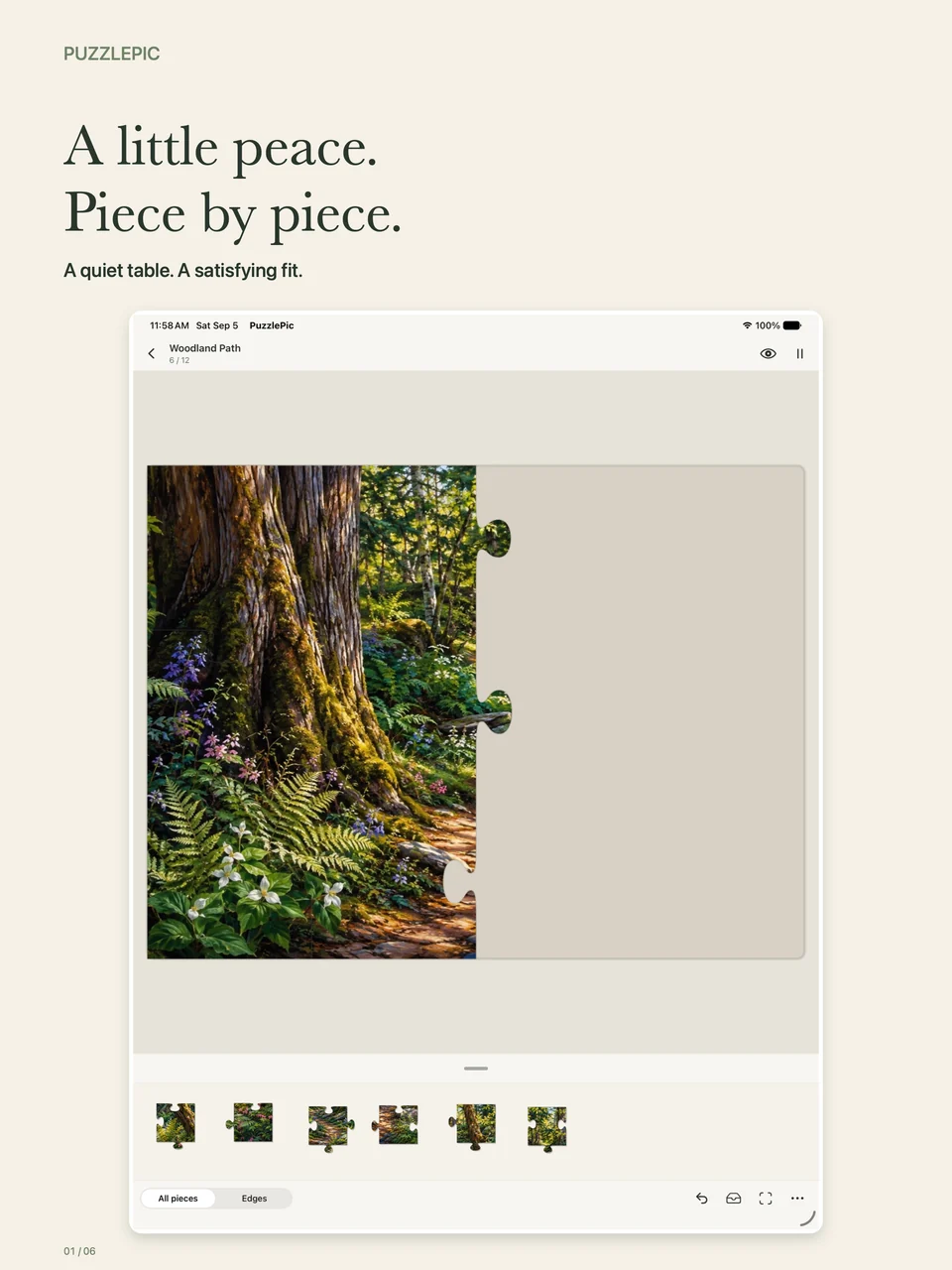
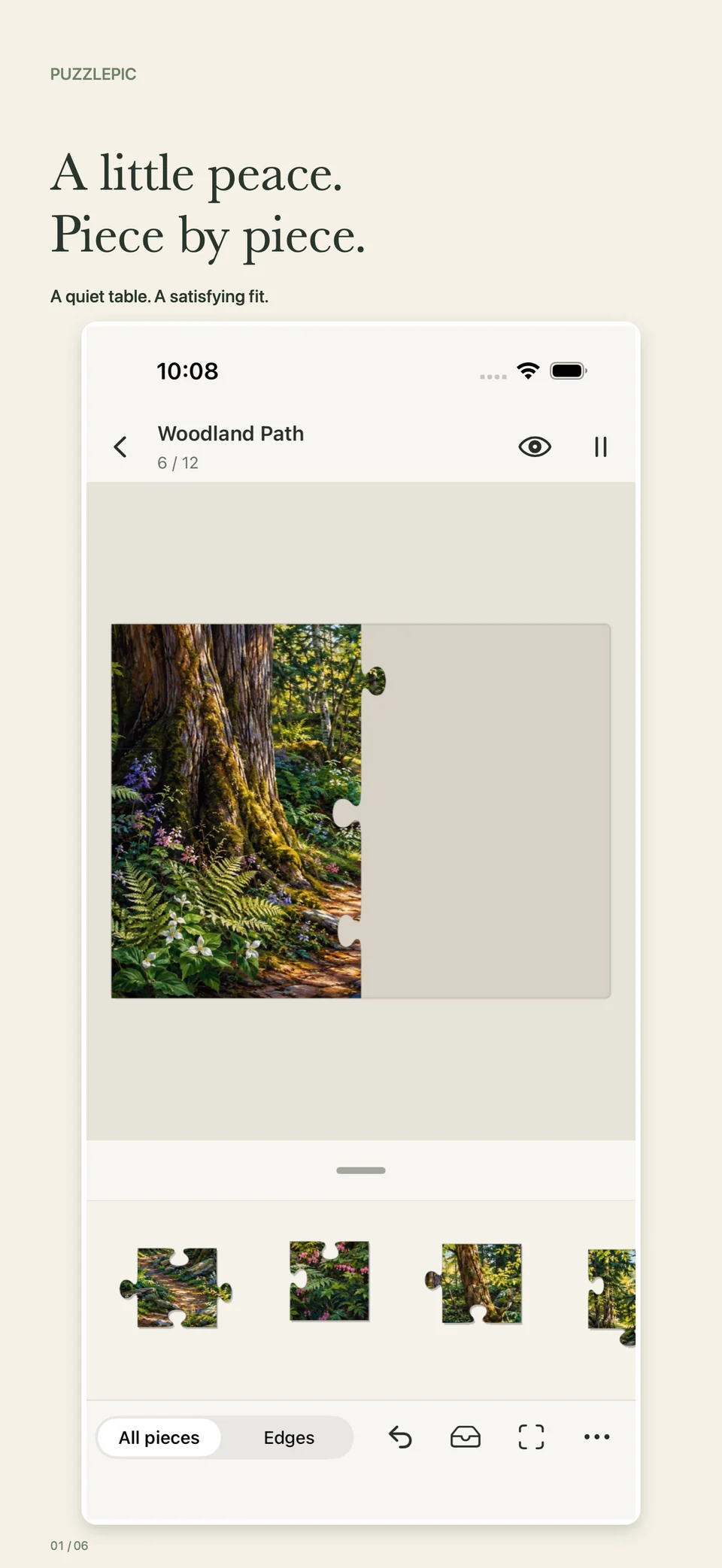
The pleasure is in finding the connection. Move a piece into place and enjoy a satisfying fit, with sound and haptic feedback on supported devices.
Build little islands.
Matching pieces connect wherever you work—not just on the board. Move a group together, then join it to the bigger picture.
Make room to explore.
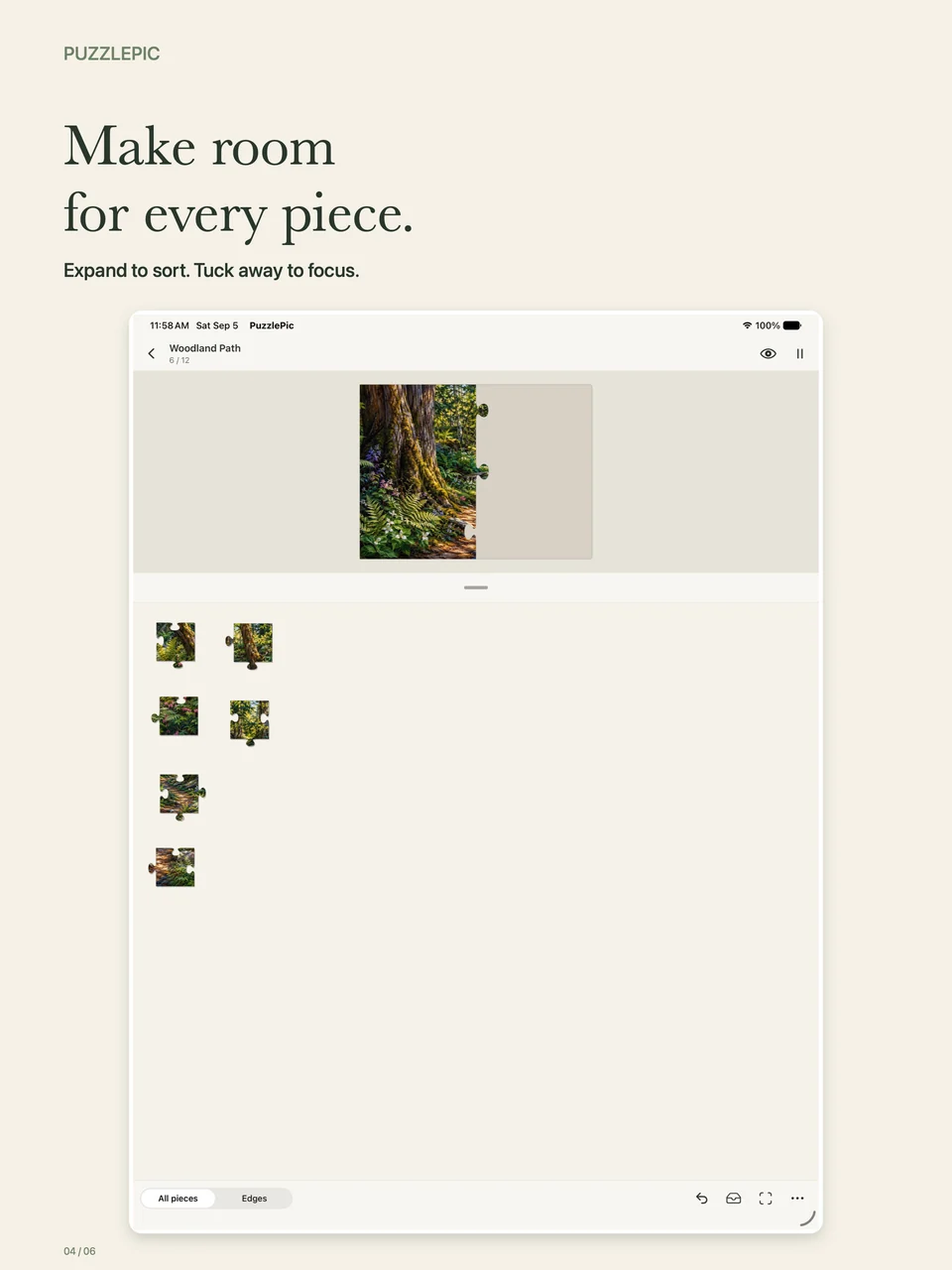
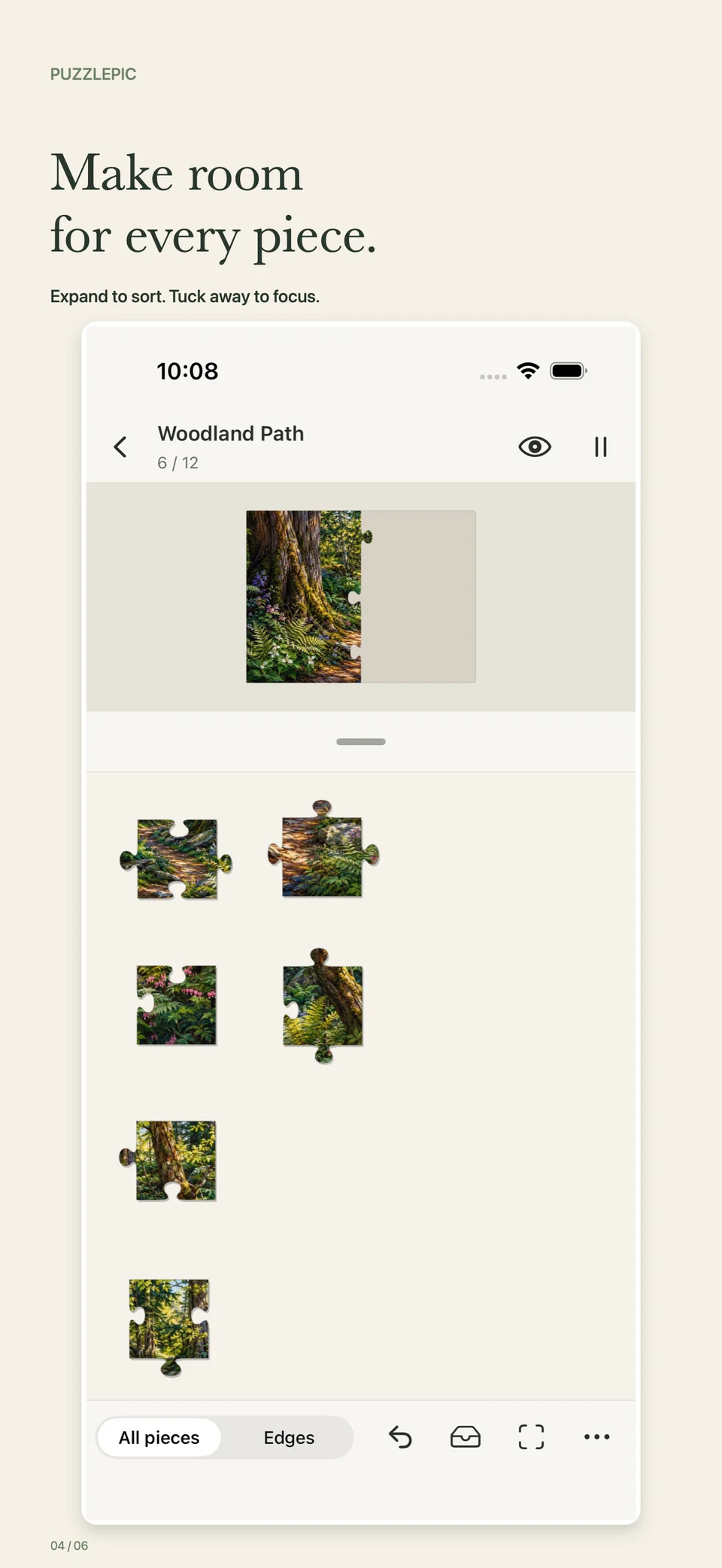
Expand the loose-piece drawer to sort. Tuck it away to focus. Zoom and pan when you want to take a closer look.
Find your edges.
Switch between all pieces and edges in the tray. Look for a familiar detail, try a fit, and let the picture lead you.
A little or a lot
Find your kind
of challenge.
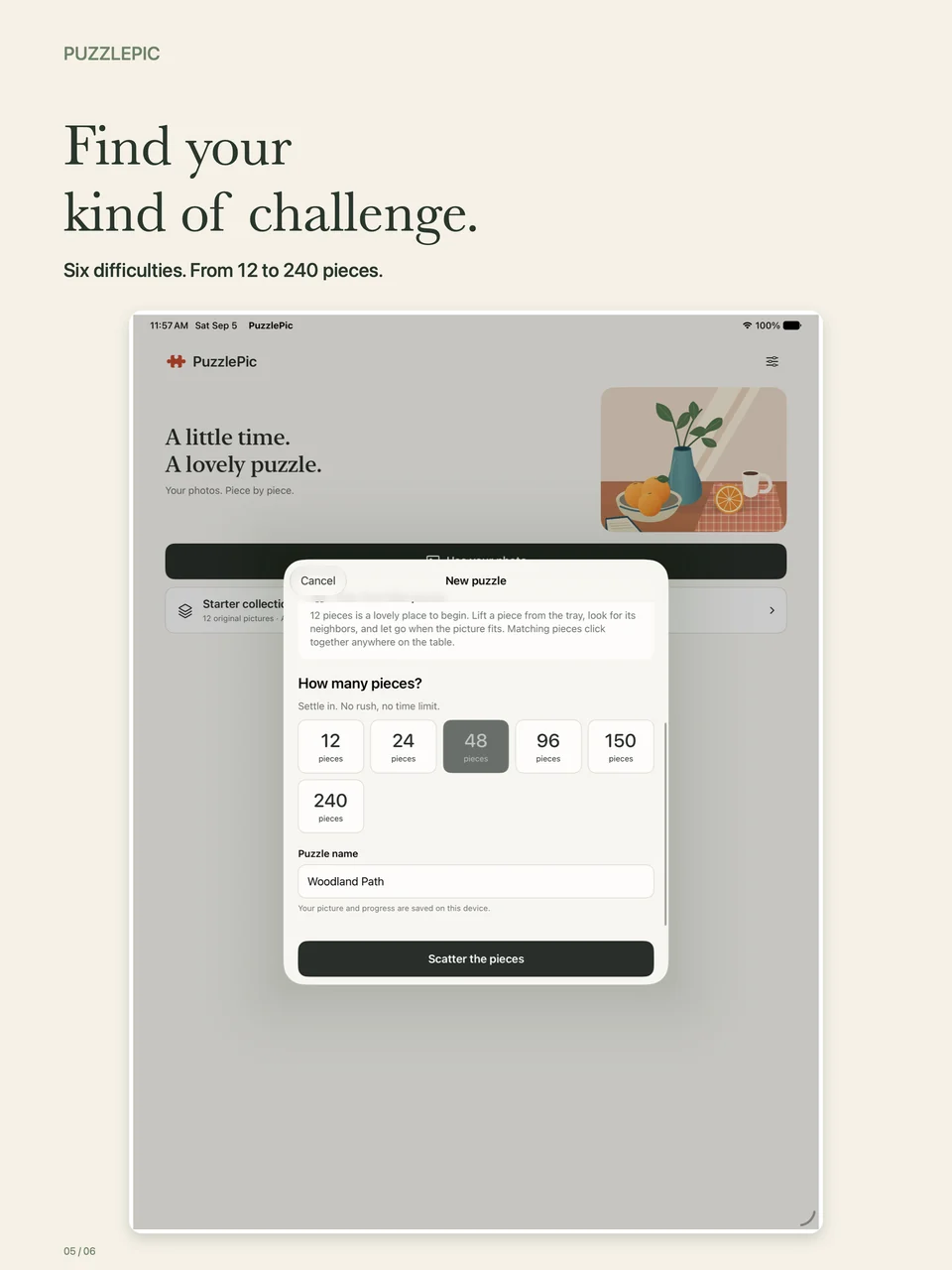
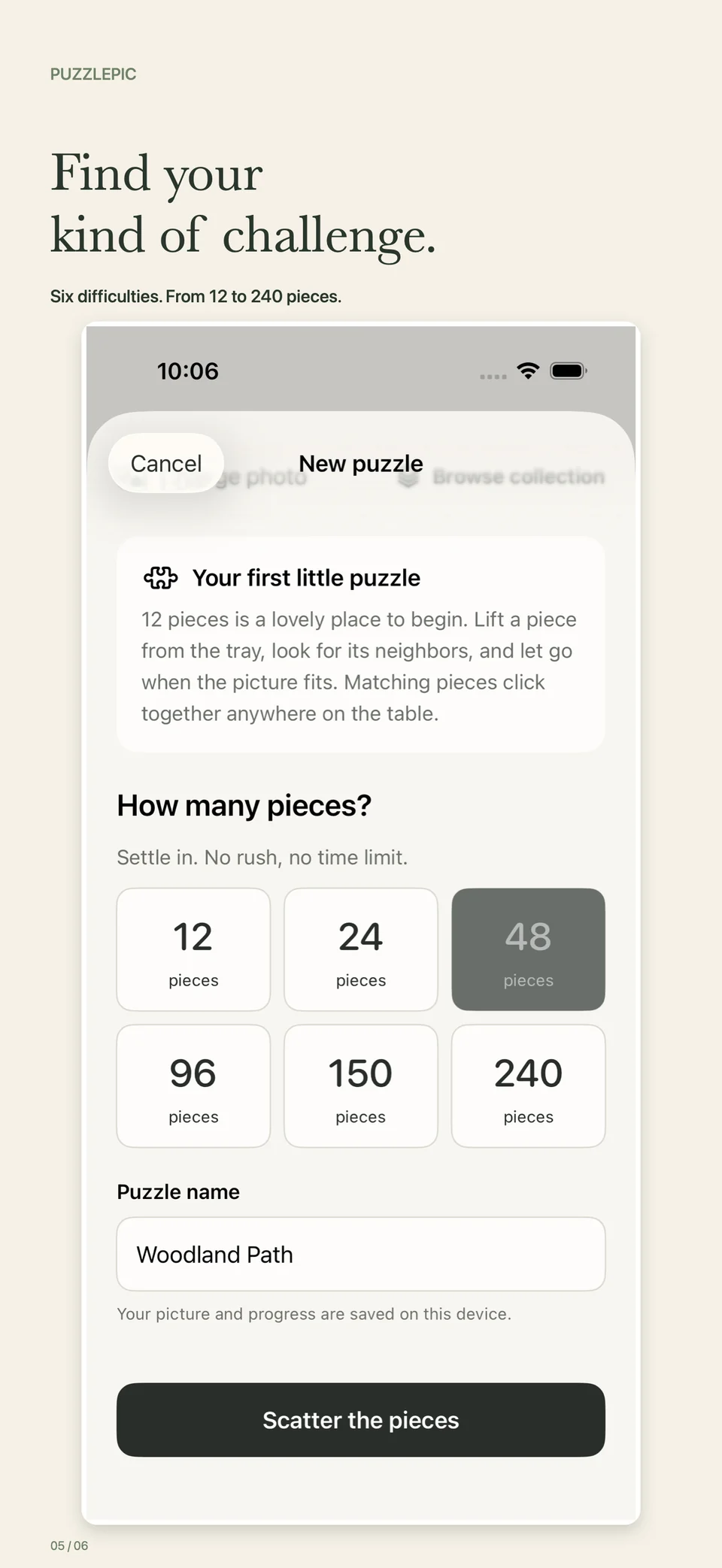
A small puzzle for a spare moment. More pieces when you feel like settling in. Choose from six sizes, with no need to race the clock.
- 12pieces
- 24pieces
- 48pieces
- 96pieces
- 150pieces
- 240pieces
Leave a little
for later.
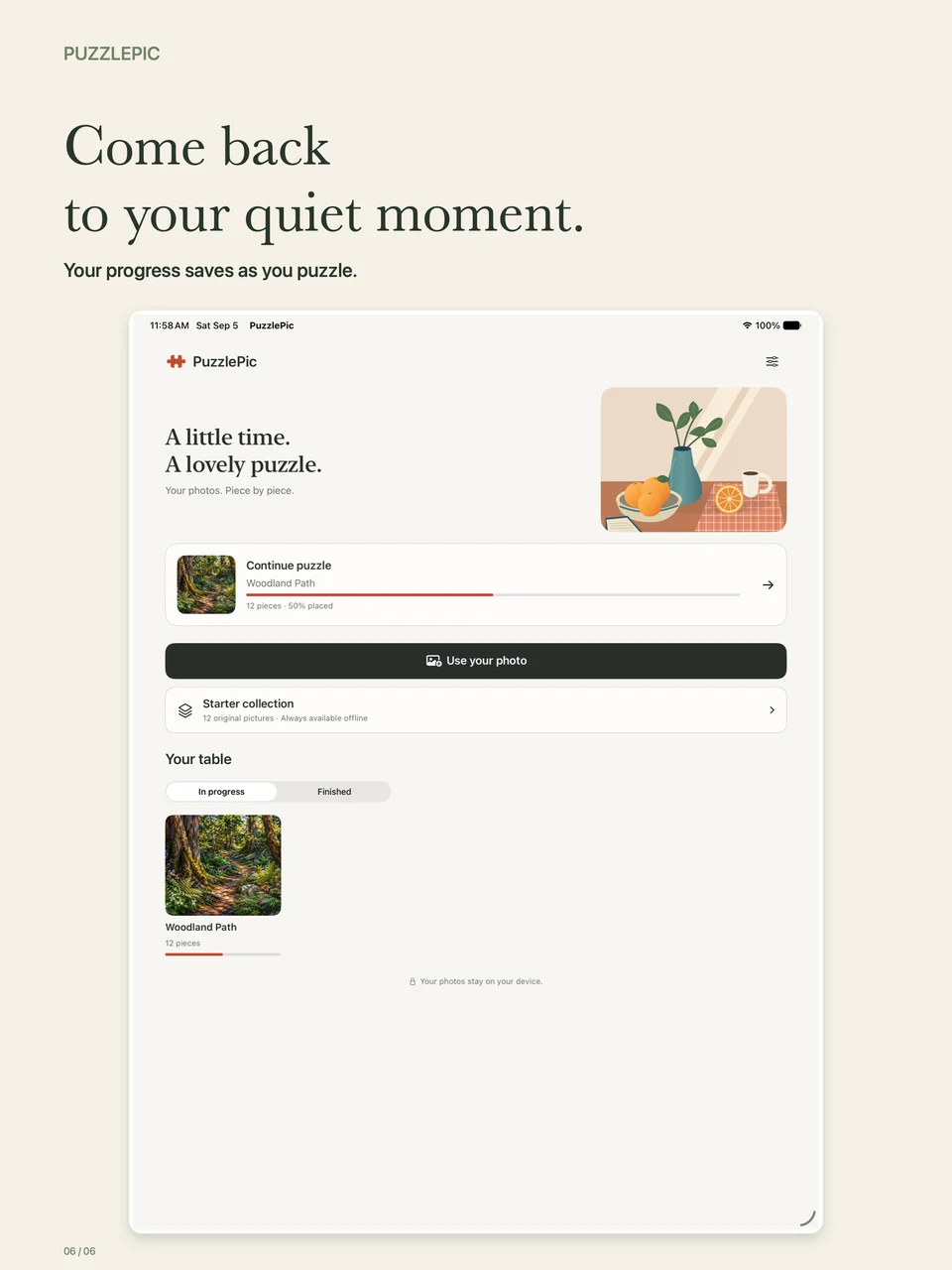
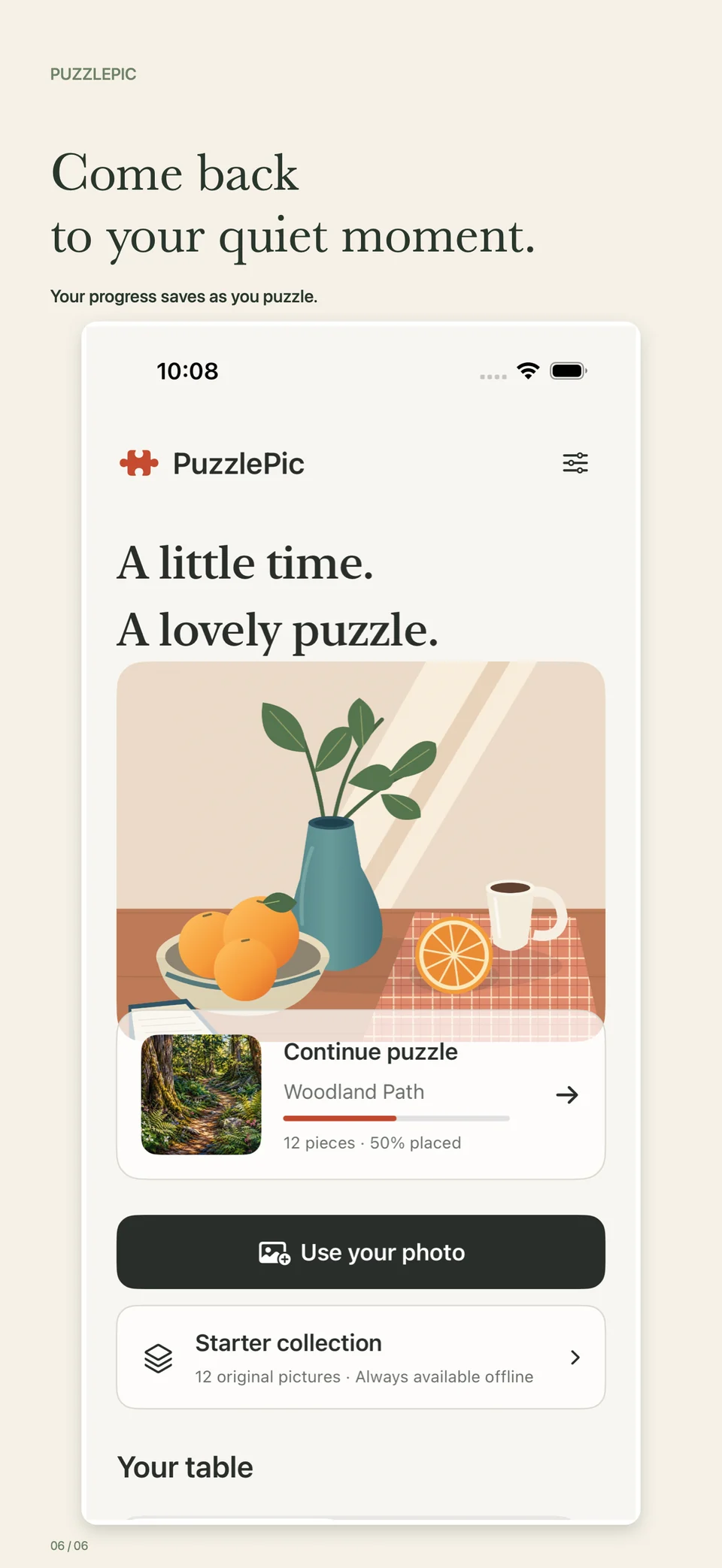
Your current puzzle saves as you play. Come back to your quiet moment without starting again.
About saving your puzzle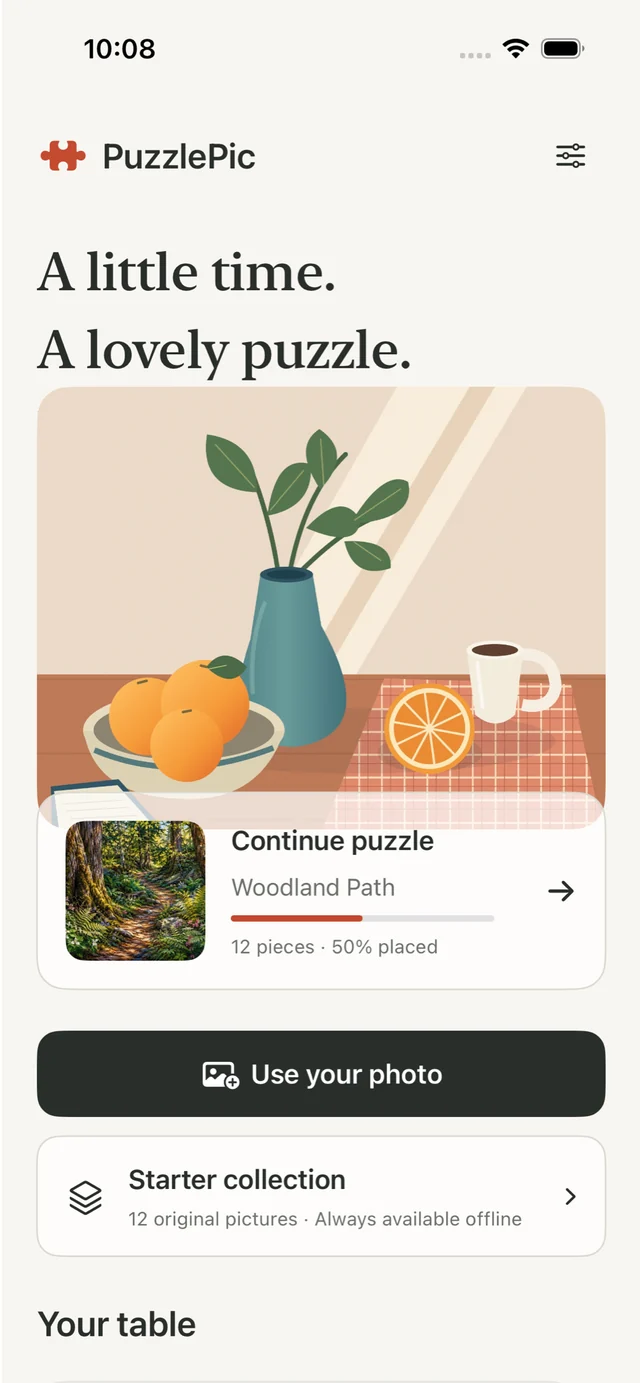
A closer look
Your quiet corner,
on either screen.
Made for a moment on your iPhone.
Room to spread out on your iPad.
iPad
iPhone
Real PuzzlePic screens. Swipe or scroll to browse; select an image for a closer look.
Can I make a jigsaw puzzle from my own photo?
Yes. Choose a photo from your library or take a new one in PuzzlePic, select a puzzle size, and start putting the picture together.
What if I just want a picture to start with?
PuzzlePic includes 12 original artworks in its starter collection, available offline. Browse Nature, Animals, Travel, and Still Life, or try the introductory sample.
How many pieces can I choose?
There are six puzzle sizes: 12, 24, 48, 96, 150, and 240 pieces. Start small or choose more pieces for a longer puzzle.
Can I join pieces away from the board?
Yes. Matching pieces can connect wherever you are working. Build small groups, move them together, and connect those groups to the rest of the picture.
Can I leave a puzzle and continue later?
Your current puzzle saves automatically on your device. Return to PuzzlePic and use Continue puzzle to pick up where you left off.
Does PuzzlePic work on both iPhone and iPad?
Yes. PuzzlePic is built for iPhone and iPad, with a loose-piece workspace that adapts to each screen. Use the App Store listing to check compatibility with your device.
Choose a photo.
Build the memory.
Rediscover a favorite picture. One satisfying piece at a time.
Download on the App Store